
React docs, baked into plain HTML.
Ardo is a static site generator for React projects. Guides in Markdown and MDX, an API reference read from your TypeScript, and search, all prerendered at build time by Rust engines.
← fresh from npm at every build

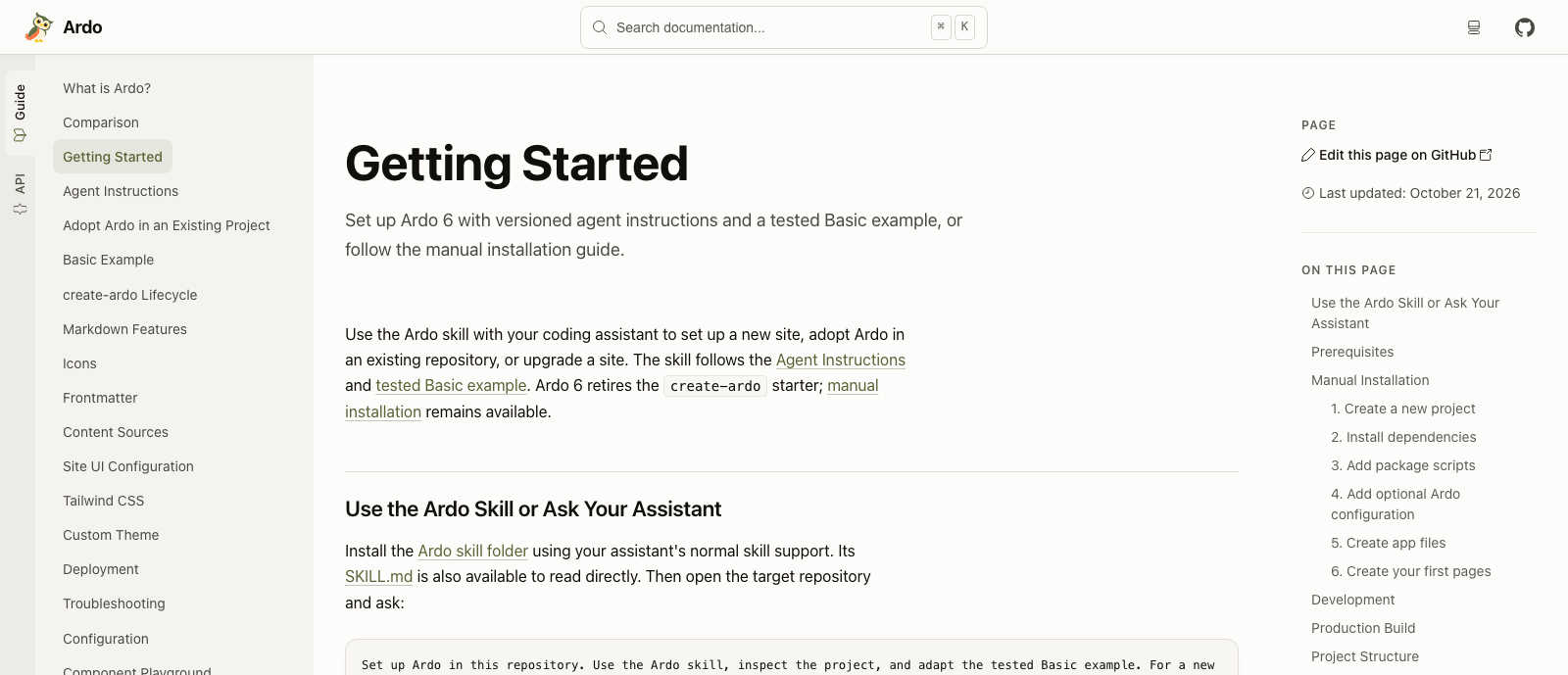
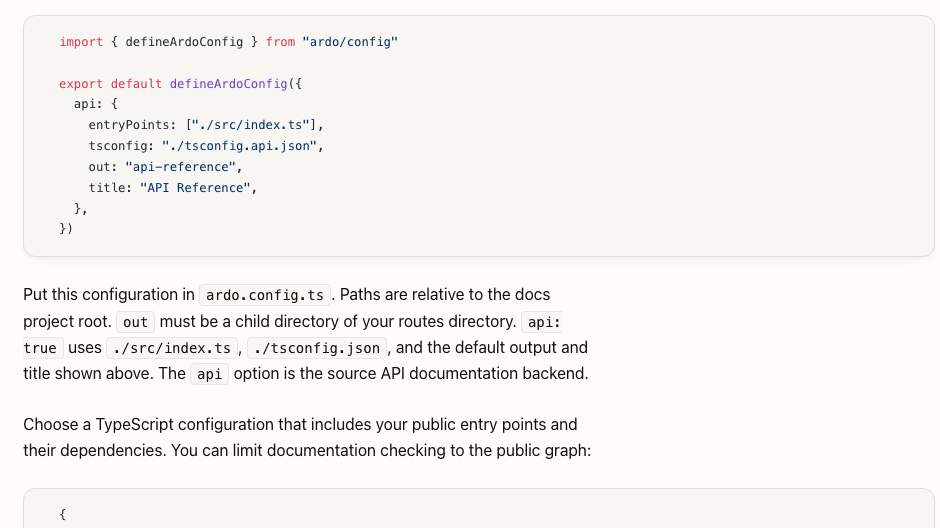
your folders become this rail
highlighted at build time
how it works
From repo to website, no server to babysit.
Write it
- Markdown and MDX guides
- Your own components and layouts
- API reference from TypeScript
- Typed content collections
Bake it
Rust engines compile your Markdown and color every code block, TypeScript 7 reads your types, and Vite bundles the rest. Search index, sitemap and llms.txt come out of the same oven.
Serve it
Every page is complete HTML. Search engines see everything, readers get the content on the first request, and any static host will do.
the easy way in
Let your agent do the setup.
No starter template, no copy-paste marathon. Hand this sentence to your coding agent, in a fresh repo or one you already have. The link points it to Ardo’s official instructions. It adapts the tested example and tells you how typecheck, tests and build went. You review it like any other pull request.
Set up Ardo in this repository following https://
yep, that’s the whole prompt. grab a coffee meanwhile.
under the hood
Fast all the way down.
Ardo stands on remarkable tools. Two of them come straight out of our own workshop, written in Rust.
Ferromark
Our Markdown and MDX compiler. Pages go in, React components come out, with headings, table of contents and search data picked up on the way.
2.6× faster than pulldown-cmark on 50 real documents.
Ferriki
Our syntax highlighter. Every code block gets its colors during the build, light and dark, so the browser has nothing left to do.
4.7× faster than Shiki on WebAssembly, same HTML.
both are part of Ferramenta, our little family of Rust tools ↑
The native compiler reads your types. It built Ardo’s own API docs 4.3× faster than TypeDoc.
The dev server you already love. Save a file, watch the page update.
Rust tooling that tidies up the compiled pages and maps your declarations.
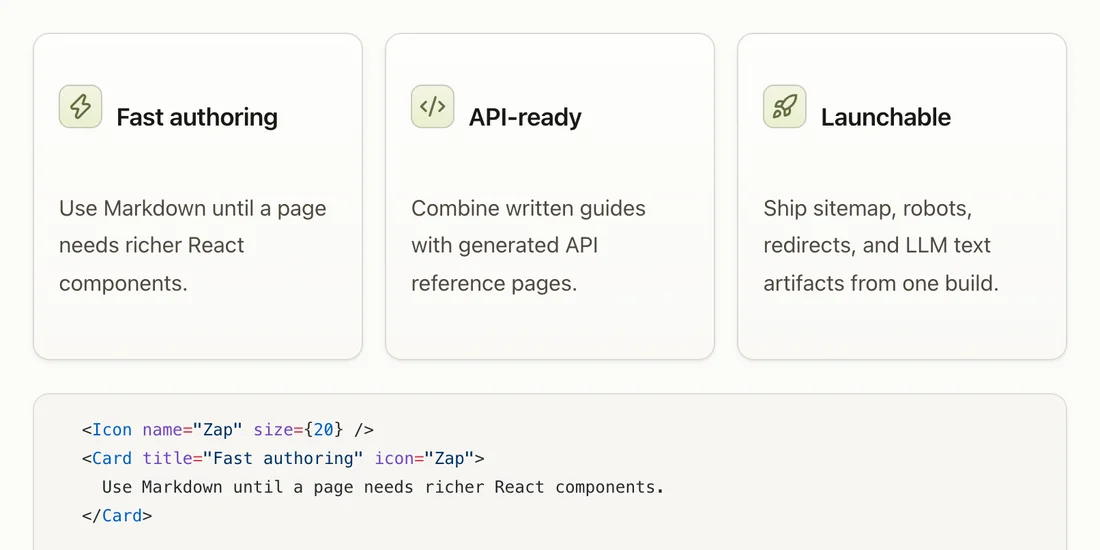
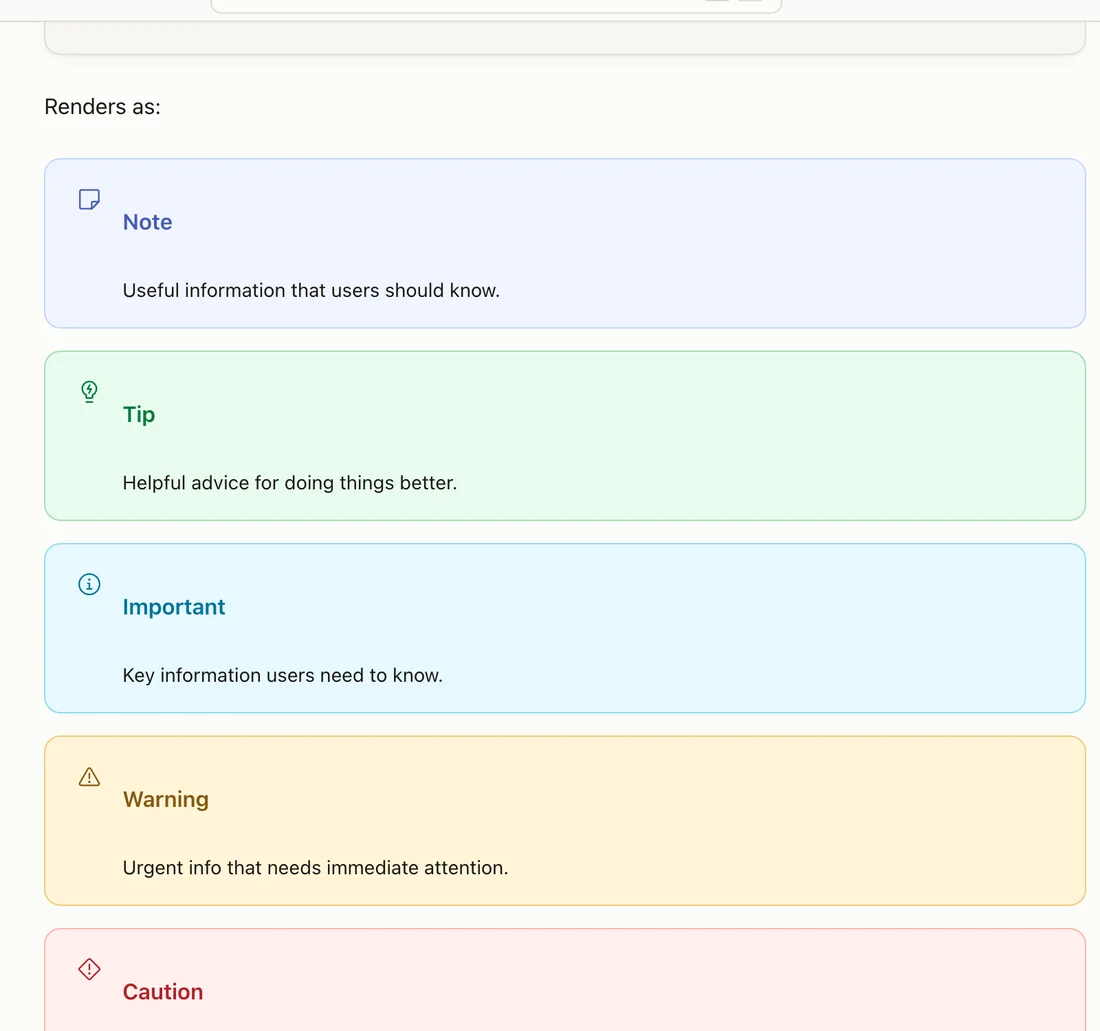
your design system fits right in
components and layouts
Your components are invited.
Bring local React components or an installed design-system package into MDX. Build landing pages and layouts in plain React, with Ardo's cards, tabs, steps, accordions and callouts around them.
API reference for TypeScript
Your types, now with a website.
Point Ardo at your TypeScript entry points to generate reference pages with signatures, parameters and comments. They show up in search, too, and update on the next build.
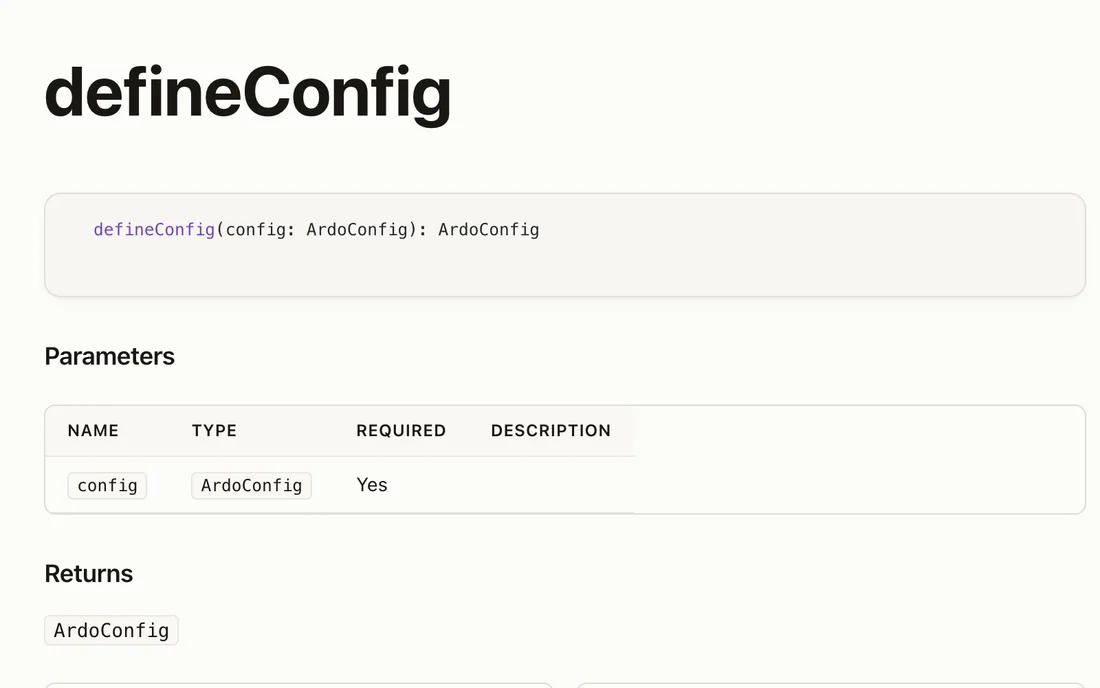
generated, not typed by hand
theming
Dress it up in a few lines.
Pick a brand, an accent and a neutral hue, and how saturated they should be. Ardo works out light and dark mode from there. Want more? Override any token or swap a component.
green · orange · warm gray
Ardo’s default
blue · teal · slate
dark mode included, for fellow night owls
where Ardo fits
Know one of these? Then you almost know Ardo.
- DocusaurusReact and MDX too, on a newer foundation: Vite and Rust engines, with plain HTML pages.
- VitePressVite and Markdown too, with React instead of Vue.
- StarlightStatic and content-first too, with React as the page model, not an island.
- NextraReact and MDX too, without Next.js. Plain static files come out.
- FumadocsReact too, as a toolkit. Ardo is one complete setup with its own engines.
- RspressA Rust-powered build too, on Rspack. Ardo builds on Vite and reads your TypeScript.
- VocsReact and Vite too. Ardo adds generated API reference and Rust engines.
- DocusThe same idea for Nuxt and Vue. Ardo is the React counterpart.
- Material for MkDocsMature and Markdown-first, in Python. Ardo stays in the React toolchain.
- MintlifyA hosted platform. Ardo is open source and lives in your repo.
fit check
Is Ardo your kind of bird?
A great fit if
- your product or library is built with React and TypeScript
- docs should live in your repo and go through review
- you want prerendered pages and little work in the browser
Maybe not if
- you want prose only, no React at all (try Starlight or VitePress)
- you need hosted editing and analytics (a hosted platform does that)
whoo made this?
“I went looking for a modern, lightweight docs framework that was simply React. It didn’t exist. So I built it.”
SebastianSebastian Werner · creator and maintainer
- 1. One component model. Pages and examples are React. No second UI framework.
- 2. Your repo is the source. Content, config and theme go through code review.
- 3. Static files, no platform. No account, no service to keep alive.
- 4. Claims you can check. Public feature status and published benchmarks.
Ready to hatch your docs?
One sentence for your agent, the official instructions, a tested example. You review the result like any other pull request.
powered by

Ardo is open source by Sebastian Software, together with Ferromark, Ferriki and the rest of the family.
need a hand?

TypeScript, React and Rust consulting: integration, support and long-term maintenance from the people who build Ardo.